What is "self-hosting" and why do I it?

I'm a big fan of self-hosting my online services. It's something I've always tried to achieve but often failed, either because the maintenance time cost was too high, or the technology simply wasn't mature, or both.
I've always been drawn to the appeal of not being dependent on outside services. But is there a real tangible reason to be self-sufficient or are we just scratching a technological itch?
I'm going to walk through the services that I self-host and the benefits they provide me, along with the challenges.
Smart Home - Home Assistant
Home automation has gotten popular in recent year, perhaps even mainstream. But what happens when the internet breaks or a service you relied on is decommissioned? (I'm looking at you Nest). And what if you want 3rd party devices to play with each other?
Automation is not just about turning lights on with your voice (which is not really that useful), it's also about monitoring, safety and security.
Home Assistant has become the defaqto self-hosted automation solution. Thanks to the community it has plugins that can connect to almost anything, bringing devices together that were never intended to collaborate. Have a bunch of bulbs, switch and sensors from different vendors? No problem. It is the gateway that brings everything together.
Because it runs on your network, your automations and rules keep on running when the internet breaks. But you can still reach your dashboard from outside if you choose, either with VPNs or firewall rules.
The energy monitoring features are perfect for my solar and battery storage setup. I can see what I'm generating, consuming and use predictions to decide when and how much to charge my home battery to maximise my self-sufficiency.
My Services
Photos - Immich
Having your images automatically backup is taken for granted now, but where are they really stored? And how much does it cost?
I was reluctant to use Google Photos for backup but it made backup and sync easy and the search was excellent. There wasn't anything remotely as good until Immich came along.
Immich is essentially a Google Photos clone and is one of the highest quality pieces of open-source software I've ever used. Not only does it look amazing but the backup is flawless and the search has all of the AI features, including face detection! But it does require relatively beefy hardware to run it.
Media - Jellyfin
Have lots of physical media and want guaranteed and convenient access to your content in a "Netflix" style way?
Streaming offers a lot of content but there are way too many services now. You need to maintain your subscription to retain access to the content, and even then there's no guarantee that items won't be removed from the catalogue. Even if you purchase a film and TV series outright there's still no guarantee that you'll also be able to download that content and have it available offline.
Jellyfin solves all of these problems but keeping your content locally. Buy your DVD's and Blu-Ray's at bargain prices at your local exchange/charity shop and rip them / transcode them into Jellyfin for your own personalised Netflix-like experience. It'll even work when the internet breaks.
Security - Frigate
Cameras are cheap now, but where is the data stored and how private is it? Is your house still safe if there's a service interrupt?
Having cameras is great for security but they can also be a security risk. Does it some like a good idea to have devices in your home constantly streaming to a datacentre on the internet?
Again, there wasn't a good solution until relatively recently but Frigate gives you a fully local camera recording solution that doesn't require the internet or you to give up your privacy.
Frigate also allows you to bring your own image classification model for advanced detection and notification features. I can have an alert sent to my phone whenever someone approaches the front door (through Home Assistant).
Authentication - Kanidm
Fed up with having a separate account for each service? Need to update the password but don't want to have to do it 7 times?
Often the most annoying thing was needing a separate account for each service. Single-sign-on (SSO) systems solved this but have traditionally been ludicrously complicated and probably not something you want for your home.
I discovered Kanidm which is a relatively simple identity management provider with support for OIDC and LDAP. This means I can have my self-hosted services authenticate with a single user database (even if the database is just me at the moment).
Kanidm also supports declarative configuration (along with rest of my system) meaning I don't have to remember how to operate it.
What about the operating system?
Many of these services are available as one-click installs in operating systems like TrueNAS. This is great to get up and running quickly, but can lead to a fragile setup and one that still requires manual setup if and when things need to be moved around.
In recent years I've settled upon NixOS for my self-hosting needs. It's not going to be for everyone. I'm an experienced software developer so the idea of writing all of my server configuration as code does not scare me.
I like having all of my configuration (filesystems, networking, services, users etc.) all in the same Git repo rather than spread out. I also don't have to remember the details because it's all written as code rather than as instructions.
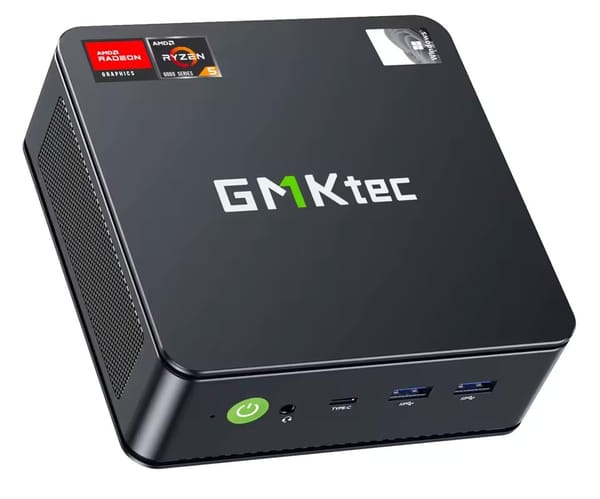
I run all of my services across two N100 mini-PCs. These are super power efficient but also relatively powerful and have surprisingly good integrated-GPUs which can be offloaded to. I could condense this to a single PC but one of them is also my router and wanted to spread the load across them.